How to Create a Catalog for Your Car Dealership and Share It on Social Media
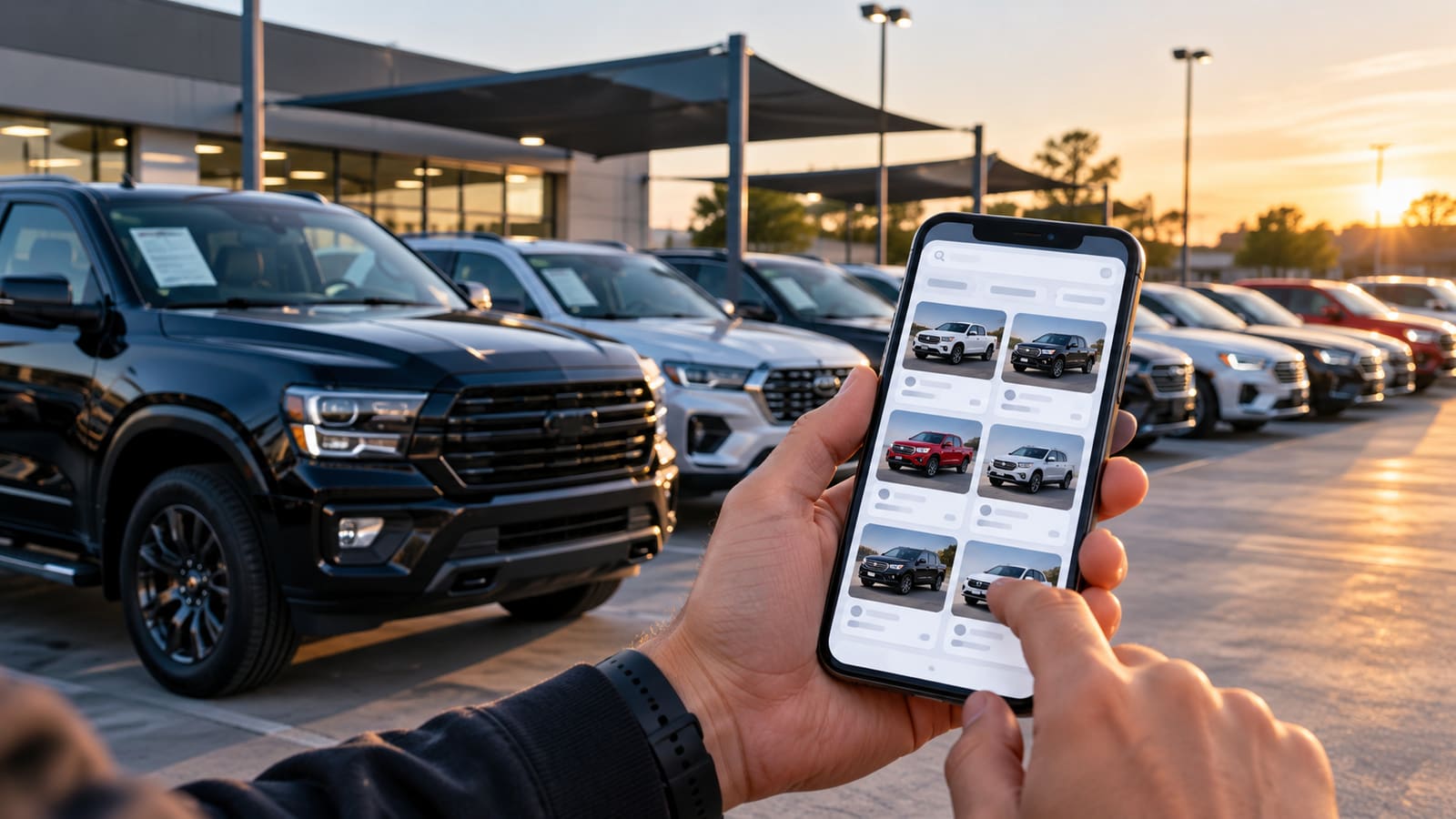
The simplest way to create an effective catalog for your car dealership is to centralize your inventory on a specialized platform like AutoLotUp, where you publish each vehicle once and get a branded website ready to share across WhatsApp, Facebook, Instagram, and TikTok.
If you still rely on scattered social posts, spreadsheets, or static PDF files that go out of date every week, here is how to build a modern car catalog that stays accurate and helps you sell faster.
What Makes a Great Car Dealership Catalog?
A digital catalog is your online showroom—one link where buyers can browse your available vehicles anytime from their phone.
Every vehicle listing should include:
- Clear, well-lit photos (exterior angles, interior, dashboard, and key highlights).
- Complete core details: make, model, year, trim, transmission, and color.
- Condition and usage: mileage and overall condition.
- Pricing and payment options: cash price, down payment, or estimated financing.
- Real-time availability and branch location: where the vehicle sits and whether it is still available.
- Direct contact: WhatsApp, phone, and email buttons to ask questions or book a visit.
1. Gather and Standardize Vehicle Information
Before publishing, establish one consistent checklist for every vehicle: clear photos, accurate specs, and up-to-date pricing.
Structured listings help buyers compare vehicles quickly and contact you with specific questions about the exact unit they want.
2. Choose How to Create and Generate Your Catalog
There are several ways to put together a vehicle catalog, but they behave very differently once your inventory starts moving every week:
Option 1 (Recommended): Build a Specialized Web Catalog With AutoLotUp
The fastest, cleanest, and easiest approach for a car lot is a platform built specifically for vehicle inventory like AutoLotUp.
Instead of manually redesigning static files, AutoLotUp gives you your own branded catalog website and management dashboard from mobile or desktop:
- Update in seconds: create listings, edit prices, or upload photos from the web app and your public catalog updates immediately.
- Instant status control: switch any vehicle between Available, Reserved, Sold, or Draft in one click—no redesigning templates or resending outdated files.
- Built-in search and filters: buyers filter by make, price, or branch to find the right vehicle fast.
- Your brand and direct contact: includes your logo, colors, subdomain (or your own domain from the Pro plan up), and a direct WhatsApp button on every listing.
- Main catalog and per-vehicle links: ready to share across social media, WhatsApp, paid ads, and QR codes.
👉 Create your catalog on AutoLotUp and publish your inventory in minutes.
Option 2: Static Catalogs (Canva, PDFs, or Interactive Flipbooks)
Design tools like Canva or PDF-to-flipbook tools can work as a quick temporary brochure if you only have a few vehicles that rarely change.
For an active dealership, however, static files quickly create extra work:
- Every time a vehicle sells, gets reserved, or changes price, you must edit the design, export a new file, and resend it.
- Buyers cannot filter a PDF by make, price, or branch.
- Static files do not show which vehicles buyers view most or let you connect ad tracking like Meta Pixel.
That is why a dedicated platform like AutoLotUp saves hours every week and keeps buyers looking at real, available inventory.
3. Share Your Full Catalog or an Individual Vehicle
With your catalog online, you no longer need to send dozens of loose photos in chat:
- Share your main catalog link when someone wants to see all available vehicles.
- Share the individual listing link when a buyer asks about a specific unit.
- Print QR codes for window sheets, signs, or business cards so lot visitors can open the listing directly on their phone.
4. Share on Facebook, TikTok, and WhatsApp—and Connect Your Meta Pixel
Each channel plays a complementary role and drives traffic back to your catalog:
Facebook and Instagram
Share vehicles in posts and link straight to each listing or your full catalog so buyers see all photos and pricing in one place.
If you run Facebook or Instagram ads, connect your Meta Pixel.
Meta Pixel is a free tracking tool from Meta that connects to your catalog website so you can measure how well every ad campaign performs. It shows which ads drive real vehicle views and WhatsApp clicks—helping you spend your budget on the campaigns and cars that actually generate buyers. In AutoLotUp, just paste your Meta Pixel ID in the dashboard with no coding required.
TikTok
Post short walkaround videos showing the exterior, interior, and highlights, then direct viewers to your profile link to view full pricing and inventory.
Add your catalog link to greeting messages, quick replies, and WhatsApp Status so buyers can browse all options right away.
5. Connect Your Physical Lot With Google Maps and Apple Maps
Keep your Google Business Profile (Google Maps) and Apple Maps updated with your address, hours, phone number, and catalog website link. Maps help local buyers find your location, while your catalog lets them browse your inventory before visiting.
6. Make the Next Step Easy and Track Top Vehicles
Make sure every listing gives buyers a clear next step—messaging you on WhatsApp, calling, or checking the branch location to schedule a visit. Review which vehicles get the most views and which channels bring the most clicks so you can refine your marketing.
Launch Your Catalog Today With AutoLotUp
With AutoLotUp, everything lives in one place: inventory dashboard, branded catalog website, instant status controls (Available, Reserved, Sold, Draft), direct WhatsApp contact, campaign links, and Meta Pixel integration.
Ready to build your dealership catalog the simple, professional way?
Create your AutoLotUp account and start sharing your inventory across every channel.
Frequently Asked Questions
What is the easiest way to create a catalog for a car dealership?
Using a specialized platform like AutoLotUp. You add your vehicles once from your phone or computer and your online catalog goes live instantly—without re-editing Canva templates or PDFs every time a car sells.
Can I mark a vehicle as Reserved or Sold without redoing the catalog?
Yes. In AutoLotUp, you switch any vehicle between Available, Reserved, Sold, or Draft in seconds so buyers always see current stock.
Why should I connect Meta Pixel to my vehicle catalog?
If you advertise on Facebook or Instagram, Meta Pixel measures which campaigns and vehicles generate real visits and WhatsApp clicks, helping you optimize ad spend with real data.
Can I share my full catalog or a single vehicle on WhatsApp?
Yes. Share your main catalog link to show all available units, or send an individual listing link when someone asks about a specific vehicle.
Does a web catalog replace Facebook or TikTok?
No—it works alongside them. Social media brings discovery and attention, while your catalog website gives buyers one organized showroom to browse stock and contact you on WhatsApp.